
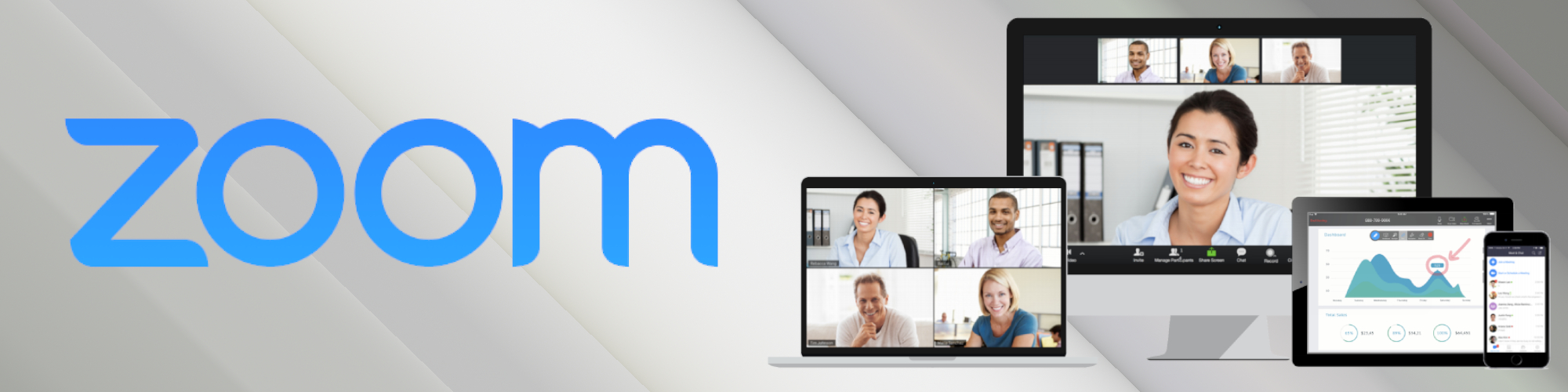
Learning with Zoom from Anywhere around the World
For meetings, coaching, and distance learning, LaneOPX uses Zoom.
› Video conferencing—Users can communicate with LaneOPX consultants and teachers face-to-face or with the audio option.
› Group conferencing—Zoom allows group video and audio conferencing, which makes virtual instruction easy.
› Screen sharing—Zoom users can choose to share their screen, which allows LaneOPX instructors to demo software systems, train employees, and collaborate on projects.
› Computer sharing—Zoom allows a LaneOPX team member to access a user’s computer and system, which makes it simple for LaneOPX to walk students or clients through a new ERP system.
› Recording—For those who miss a group meeting or class, Zoom has an option to record meetings for later play.
› Whiteboard—Attendants of meetings or classes can use Zoom’s whiteboard to take notes collaboratively.

Zoom Features You Need to Know About
Using Zoom can be as simple as clicking on an invitation link and joining a meeting; however, Zoom also has incredible additional features that have arguably made this platform even more popular. Here are some of the Zoom features you need to know in order to make...
A Beginner’s Guide to Using Zoom
The word “zoom” is no longer used only to describe something moving rapidly or being magnified greatly. "Zoom" has become synonymous with the Northern California-based communications company that offers videotelephony and online chat services through a cloud-based...